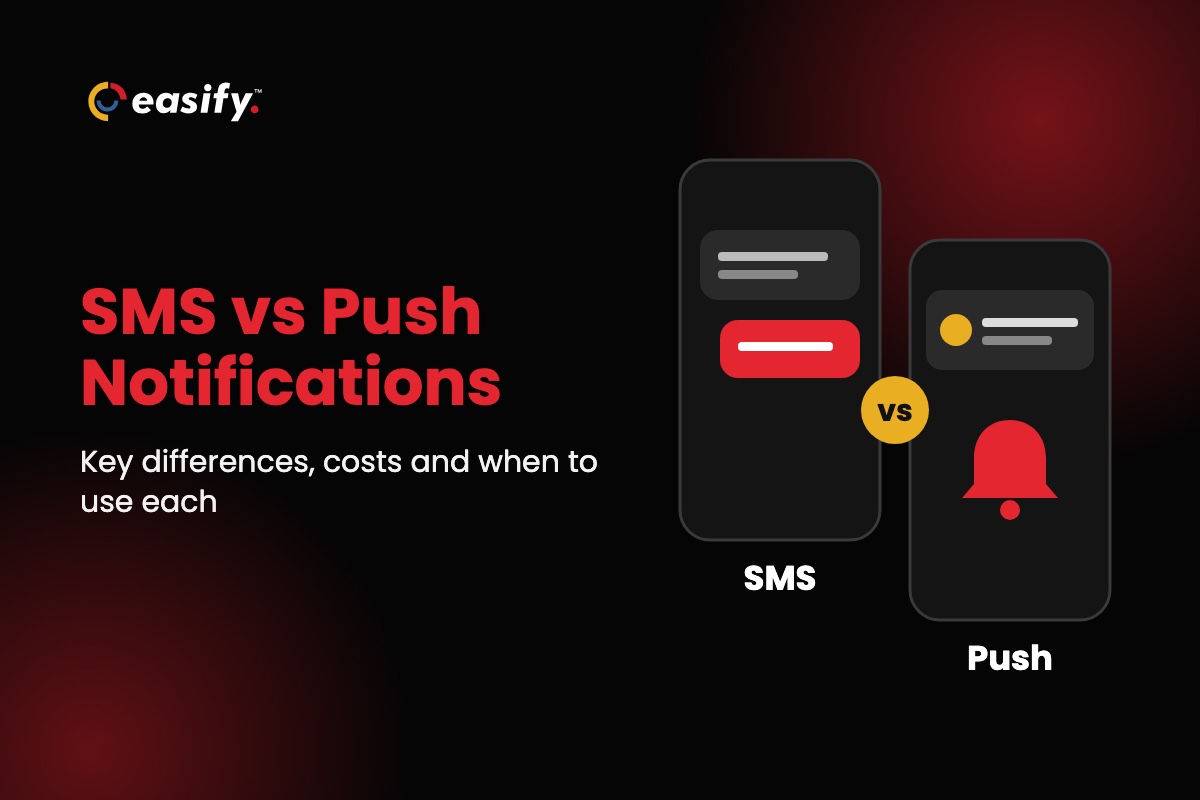
SMS is a text message sent to a phone number over the mobile carrier network. A push notification is an alert sent by an app (or a website) that the person installed and allowed to notify them. So a push notification is not a text message. SMS reaches any mobile phone without an app or internet. Push only reaches people who have your app, allowed notifications and are online.
Use SMS for messages a person must see, like reminders, payment notices and login codes. Use push for frequent, low-stakes updates to people already using your app. Below you’ll find a side-by-side table, which channel fits each type of message, how the two compare for login codes and bank alerts, and the rules for each.
SMS vs push notifications at a glance
| SMS (text message) | Push notification | |
|---|---|---|
| Sent to | A phone number | An app installed on a device, or a browser |
| Who you can reach | Anyone with a mobile phone, smartphone or not | Only people who installed your app and allowed notifications |
| Internet needed | No, a cell signal is enough | Yes, mobile data or Wi-Fi |
| Permission | The person’s consent to get texts from your business (written consent for marketing) | The person allows notifications, usually by tapping “Allow” when the app asks (iPhone, and Android 13 and later) |
| Turning it off | Reply STOP (or ask in any reasonable way) | Switch notifications off in phone settings, or delete the app |
| Content | Text and links; 160 characters per segment (70 with emoji or special characters). MMS adds images. | Short title and text, plus images and tap-to-act buttons |
| Replies | Yes, the person texts back like any conversation | Mostly one-way: buttons, a quick reply field or the app |
| Where it lands | The phone’s messages inbox, where it stays until deleted | Lock screen and notification center, easy to swipe away |
| Cost to send | Paid per message or through a texting plan | Usually no per-message fee, but you need an app and its upkeep |
| Rules | TCPA, state texting laws and carrier rules (including 10DLC registration) | App store rules and the phone’s permission settings |
| Best for | Reminders, payment and account notices, login codes, time-sensitive offers, conversations | Frequent updates for active app users: orders, new features, in-app activity |
The short version: if you don’t have an app, push isn’t an option, and SMS is how you reach customers on their phones. If you do have an app, push is the cheap everyday channel and SMS is the one for messages that can’t be missed.
What is an SMS notification?
An SMS notification is a text message a business sends to a customer’s phone number. It arrives in the same inbox as texts from friends, works on any mobile phone, and needs no app or data connection.
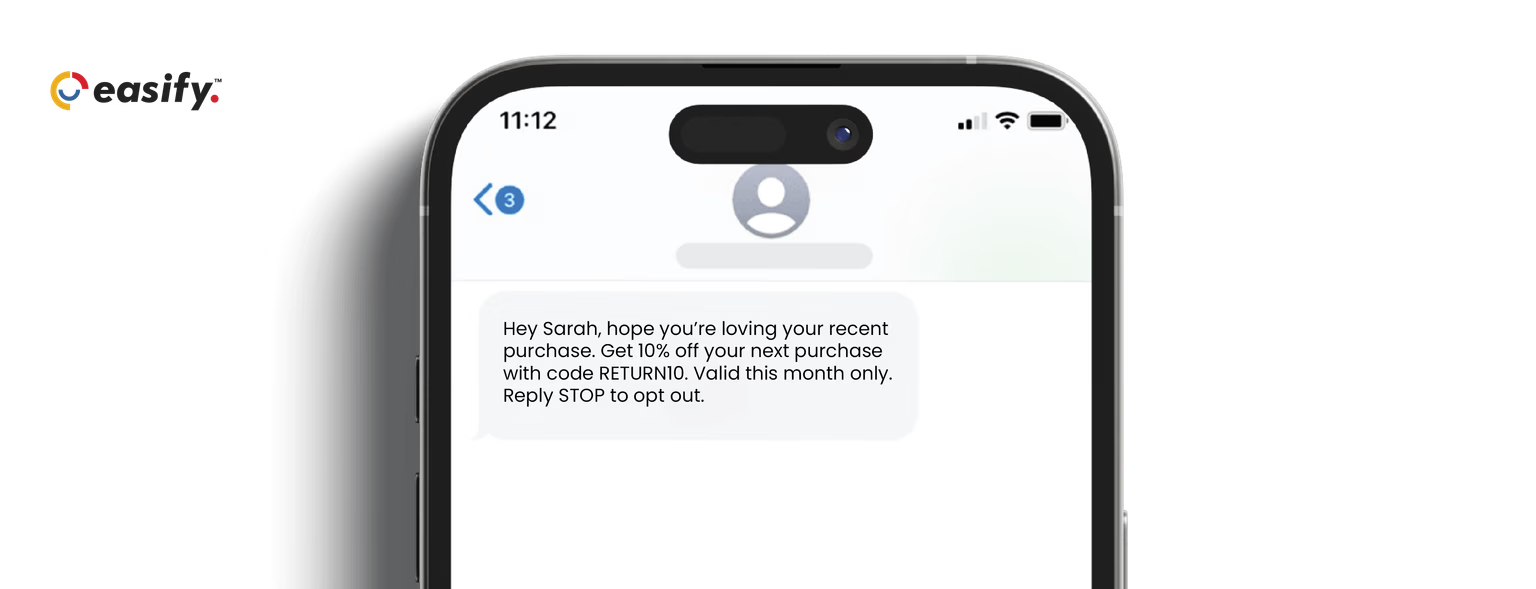
A single SMS holds 160 characters. An emoji or a character outside the standard SMS set drops that to 70, and longer messages are split into several segments, each billed separately (check yours with the SMS segment calculator). For photos or longer content, businesses send MMS instead; see SMS vs MMS for the difference.
You’ll sometimes see the terms “SMS push”, “push SMS” or “SMS push notification”. These usually mean a business pushing text alerts out to customers, not an app notification. It’s still SMS, with the same reach and the same rules.
What is a push notification?
A push notification is a message an app sends to the phone’s lock screen or notification center, even when the app is closed. The app’s company sends it through Apple’s service for iPhones or Google’s Firebase Cloud Messaging for Android, so the phone needs mobile data or Wi-Fi to receive it.
Two conditions come first. The person has to install your app, and they have to allow notifications: iPhone apps must get permission, usually by asking, before notifications can alert people, and Android has required the same since Android 13. Anyone who says no, deletes the app or switches notifications off is out of reach.
Websites can send push notifications too (“web push”), to people who allow them in their browser. On iPhone, web push only works for sites the person has added to their Home Screen.
Key differences between push notifications and SMS
1. Reach
SMS reaches every customer with a mobile number, including people who never download apps and people with basic phones. Push reaches only the share of your customers who installed your app and kept notifications on. For most small businesses, insurance agencies and service companies, that share is zero, because they don’t have an app.
2. Delivery
A text needs only a cell signal. A push notification needs an internet connection. If the phone is offline, it is held and delivered once the phone reconnects, though Apple keeps only the latest one per app. That makes SMS the safer channel for anything urgent or time-bound.
3. Visibility
Texts sit in the messages inbox, next to personal conversations, until someone deletes them. Push notifications compete with alerts from every other app and disappear with one swipe. Busy phones get dozens of them a day, so people tune them out or turn them off.
4. Content
Push wins on format: a title, an image and buttons such as “Track order” or “Pay now” that open the right screen in the app. SMS is plain text with a link, which is often all a reminder or notice needs. MMS adds images when you need them.
5. Two-way conversations
A customer can reply to a text, and you can answer from your texting platform. That turns a reminder into a quick “Can we move it to 3pm?” exchange. Push is mostly one-way: replies come through buttons, a quick reply field or the app.
6. Cost
Push has no per-message fee: Google lists Firebase Cloud Messaging as no-cost. The real cost is building and running an app people will install. SMS costs money per message, but you can start with a texting plan and your existing customer list (with their consent).
7. Rules
Business texting is regulated: the TCPA, state laws and carrier rules decide who you can text, when and how they opt out. Push is governed mainly by the phone’s permission settings and app store rules. Apple’s App Review Guidelines (4.5.4) don’t allow push for promotions or direct marketing unless the person explicitly opted in through consent wording in the app. The app must also offer a way to opt out.
When to use SMS vs push notifications
Pick the channel by what happens if the message is missed. If a missed message costs you an appointment, a payment or a customer, send a text. If it’s a nice-to-know update for someone who already uses your app, send a push.
| Message | Better channel | Why |
|---|---|---|
| Appointment reminder | SMS | Reaches every client, and they can reply to confirm or reschedule |
| Payment due or renewal notice | SMS | Must be seen on time, by customers who may never open an app |
| Login code | Push in your app, SMS as backup | App-based approval is harder to intercept; SMS covers people without the app (see below) |
| Order shipped, driver on the way | Push if they ordered in your app, otherwise SMS | App users get a tap-to-track button; everyone else gets a link by text |
| Flash sale or limited-time offer | SMS to opted-in subscribers, push to app users | Texts get seen quickly; push is free for the customers you can reach that way |
| New app feature, in-app activity, daily content | Push | Only relevant to app users, and too frequent for text |
| Customer questions and follow-up | SMS | Customers can text back and get an answer in the same thread |
Using both: push with SMS fallback
Businesses with an app often use push first and SMS as the fallback:
- Send the push notification to customers who have the app and notifications on.
- Send a text to everyone else: no app, notifications off, or a phone that hasn’t checked in recently.
- For must-see messages (a payment, an appointment), send the text if the push wasn’t opened within a set time.
- Keep the two consistent: same offer, same link, and honor an SMS opt-out even if the person still gets push.
The same message, written for each channel
Push notification
Your appointment is tomorrow at 2:30pm. Tap to confirm or reschedule.
SMS (first text in a reminder program)
Hi Maria, this is Lakeside Dental. Reminder: your appointment is tomorrow, Oct 30, at 2:30pm. Reply C to confirm or call us to reschedule. Reply STOP to opt out.
For more reminder wording, see automated SMS reminders for appointments and payments.
SMS vs push for login codes and bank alerts
For verifying a login, app-based push approval is generally the stronger option, and SMS is the most widely available one.
SMS codes can be intercepted when someone takes over a phone number, for example by tricking a carrier into a SIM swap or a number transfer. NIST’s digital identity guidelines (SP 800-63B) treat codes sent by text or voice as a “restricted” authenticator for that reason. Push approval avoids the phone network, but it has its own weak spot: attackers send repeated login prompts until someone taps “Approve”. CISA recommends number matching, where the user types a number shown on the login screen, to stop this.
Many banks send both. A push alert comes from the bank’s app; a text alert comes to your phone number and works even if you never installed the app. If you send account alerts, the practical setup is push for app users, SMS for everyone else, and never a link that asks for a password in either.
Rules for texting customers
Texting carries more legal weight than push, so get these right before you send:
- Consent: Federal law requires prior express written consent for marketing texts sent with an autodialer, and carriers expect written consent for every marketing text, so get it first. Keep a record of when and how each person agreed.
- Opt-out: Include “Reply STOP to opt out” on marketing texts, and honor an opt-out sent by any reasonable means promptly, and never later than 10 business days.
- Service texts: Put “Reply STOP to opt out” in the first text of any recurring program, service texts included, and in marketing texts every time.
- Quiet hours: Send marketing texts between 8am and 9pm in the recipient’s time zone. Florida limits them to 8am to 8pm and three messages per 24 hours on the same topic.
- 10DLC: Register your brand and each campaign before you send from a 10-digit number; carriers require it and block unregistered traffic. Easify offers 10DLC registration support.
- Do Not Call: Check numbers against the National Do Not Call Registry and your internal DNC list before a campaign.
Our TCPA checklist covers these in more detail.
This section is general information, not legal advice: check state rules with your compliance counsel.
Reach every customer by text, no app needed: start a 7-day free trial of Easify.
Sending SMS notifications with Easify
Easify is a business texting platform; it doesn’t send app push notifications. If you don’t have an app, or need a channel that reaches customers without one, it covers the SMS side:
- Bulk SMS and MMS with ready-to-use templates
- Scheduled messages and automation workflows for reminders and follow-ups
- Two-way texting, so customers can reply and you can answer
- List scrubbing for mobile numbers and DNC lists, and 10DLC registration support
- SMS analytics for your campaigns
See how it works for insurance, real estate and healthcare reminders and follow-ups. Plans start at $99 a month (see pricing), with a 7-day free trial and no credit card required.
FAQs on SMS vs push notifications
Is a push notification the same as a text message?
No. A text message (SMS) is sent to your phone number by the carrier network and lands in your messages app. A push notification comes from an app you installed, needs internet, and shows on your lock screen or notification center.
What is the difference between push notifications and in-app messages?
A push notification reaches the person when the app is closed, on the lock screen. An in-app message only appears while the person is using the app. Push brings people back; in-app messages guide them once they’re there.
Push notifications vs email: which is better?
Push is for short, timely alerts to app users. Email suits longer content, receipts and newsletters, and reaches anyone with an address. For a must-see alert to someone without your app, SMS is usually the better choice than either. See SMS vs email marketing.
Are push notifications more secure than SMS?
For login approval, usually yes: app-based push doesn’t go through the phone network, so taking over someone’s number doesn’t give an attacker the prompt, as long as the account doesn’t fall back to SMS codes for login or recovery. Push still needs number matching to resist repeated-prompt attacks. Neither channel should ask for a password through a link.
Do push notifications cost money?
Sending them usually has no per-message fee: Google lists Firebase Cloud Messaging as no-cost. The cost is building and running the app. SMS has a per-message cost but needs no app.
Can I send push notifications and SMS from one platform?
Some platforms do both. Easify handles SMS, MMS, email and calls, not app push notifications, so businesses with an app pair it with their app’s own push service.
Which should you choose?
If you have an app with engaged users, use push for everyday updates and SMS for the messages that can’t be missed. If you don’t have an app, SMS is your push channel: it reaches every customer’s phone, and they can reply.
Start texting your customers with Easify: 7-day free trial, no credit card required.